
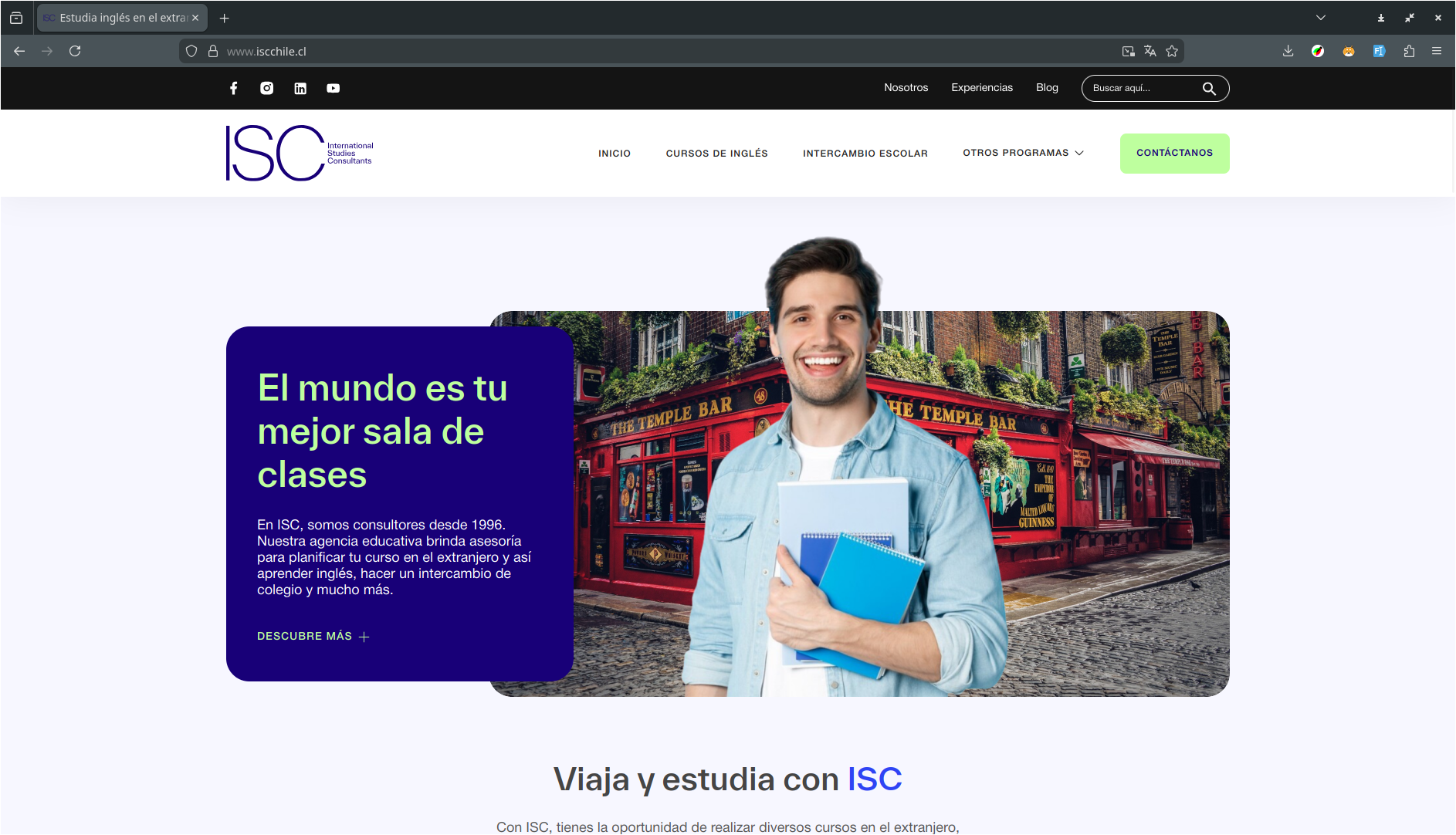
ISC Chile: Educational Consultancy Website
ISC Chile is an educational consultancy website for study abroad programs, built on top of WordPress with the Themosis framework, featuring GSAP animations, multi-step contact forms, advanced blog filtering, and comprehensive content management using Vue 2, Laravel Mix, and modern frontend technologies.
Outline
- The project
- Design implementation
- The stack
- Frontend architecture
- Key features
- Conclusion
- Live website
The project
ISC Chile is an educational consultancy agency that has been providing study abroad advisory services since 1996. The website serves as the primary platform for showcasing various educational programs including English courses, school exchanges, group travel programs, and Pathways programs for university admission abroad.
The frontend development was based on a comprehensive Figma design, requiring pixel-perfect implementation of complex UI components, multi-step forms, animated statistics, and responsive layouts that work seamlessly across all devices.
Design implementation
The entire frontend was built from a detailed Figma design, ensuring:
- Pixel-perfect accuracy: Matching the design specifications precisely (as evidenced by Figma height references in SCSS)
- Responsive design: Implementing breakpoints and mobile-first approach
- Component consistency: Maintaining design system patterns throughout
- Interactive elements: Translating static designs into dynamic, interactive components
- Animation and transitions: Implementing smooth GSAP-powered animations
The stack
The frontend stack consists of:
- Vue 2.6.12: Reactive framework for building interactive components
- Laravel Mix 6.0: Asset compilation and bundling
- SCSS: Advanced styling with a well-organized architecture
- Vuex 3.6.2: State management for Vue applications
- Vee-Validate 3.4.14: Form validation
- GSAP 3.12.5: Professional animation library with ScrollTrigger
- Axios 0.18: HTTP client for API requests
- Splide.js 4.1.4: Modern carousel and slider components
- Slick Carousel 1.8.1: Legacy carousel support
- LightGallery 2.7.2: Lightbox gallery functionality
- Odometer 0.4.8: Animated number counting
- Headroom.js: Header behavior on scroll
- V-Calendar 2.4.2: Calendar component for date selection
- V-Mask 2.3.0: Input masking
- Vue-Select 3.20.2: Custom select component
- jQuery 3.2: DOM manipulation and legacy support
- SweetAlert: Alert dialogs
Frontend architecture
Vue components
The application features a comprehensive set of Vue 2 components:
Form Components:
Contact.vue: Multi-step contact form with validation and reCAPTCHAContactFormStep1.vue: First step of the contact formContactFormStep2.vue: Second step of the contact formContactFormStep3.vue: Third step of the contact formFormBanner.vue: Banner form component
Content Components:
Blog.vue: Blog listing with advanced filtering and searchBlogArticleCard.vue&BlogArticleCardLoading.vue: Blog post cards with loading statesExperiencesPanel.vue: Testimonials and experiences display panelExperiencesFiltersMobile.vue: Mobile filter component for experiences
Search Components:
SearchResults.vue: Search results display componentSearchResultCardLoading.vue: Loading skeleton for search results
UI Components:
CheckboxDropdown.vue: Custom checkbox dropdown componentCheckboxDropdownFieldset.vue: Fieldset wrapper for checkbox dropdownsEmptyState.vue: Empty state displaysLoader.vue&Loading.vue: Loading indicators
JavaScript components
The application includes 15 specialized JavaScript components:
Animation Components:
gsap.js: GSAP animations with ScrollTrigger for scroll-based revealsscrolltrigger.js: Custom scroll trigger utilitiesodometer.js: Animated number counting with scroll triggers
UI Components:
header.js: Header functionality and navigationheadroom.js: Header hide/show on scrollmegamenu.js: Mega menu functionalitymobileMenu.js: Mobile menu interactionssearchbar.js: Search bar functionalityfloating-banner.js: Floating banner componentfooter.js: Footer functionality
Media Components:
video.js: Video player setuplightgallery.js: Lightbox gallery initializationsplide.js: Carousel initializationslick.js: Legacy carousel support
Interactive Components:
accordion.js: Accordion interactionstabs.js: Tab functionalitycards.js: Card interactions
Utilities:
img-to-svg.js: SVG image conversion utility
SCSS architecture
The styling follows a well-organized SCSS architecture:
scss/
├── abstracts/          # Variables, mixins, functions
│   ├── _mixins.scss
│   ├── _mq.scss       # Media query mixins
│   └── _vendor.scss
├── base/              # Base styles and typography
│   ├── _typography.scss
│   ├── _colors.scss
│   ├── _container.scss
│   ├── _globals.scss
│   └── fonts/         # Custom TWK Everett font family
└── components/        # Component-specific styles
    └── [45 component files]
Key SCSS features:
- BEM methodology: Consistent naming convention throughout
- Media query mixins: Using
sass-mqfor responsive design - Modular architecture: Each component has its own SCSS file
- Custom typography: TWK Everett font family with multiple weights
- Figma references: Direct references to Figma design specifications
Key features
Multi-step contact form
The Contact.vue component implements a sophisticated multi-step form with:
- Three-step navigation: Step-by-step form progression
- Form validation: Using Vee-Validate with comprehensive rules
- Date picker: V-Calendar integration for date selection
- Input masking: V-Mask for phone numbers and formatted inputs
- reCAPTCHA integration: Spam protection
- Dynamic fields: Fields that change based on user selections
- Loading states: Visual feedback during form submission
- Error handling: Comprehensive error messages and validation
Form steps include:
- Step 1: Personal information and contact details
- Step 2: Educational background and program interests
- Step 3: Additional information and submission
GSAP animations
The gsap.js component provides professional animations:
Features:
- Scroll-triggered animations: Elements animate on scroll
- Vertical scroll reveals: Fade and slide animations
- Horizontal scroll reveals: Staggered animations for grid layouts
- Timeline management: Complex animation sequences
- Performance optimized: Efficient animation triggers
Animation types:
- Fade in with vertical movement
- Staggered grid animations
- Scroll-based reveals
- Smooth transitions
Advanced blog system
The Blog.vue component provides comprehensive blog functionality:
Features:
- Category filtering: Filter posts by category
- Search functionality: Real-time search across blog posts
- Mobile filters: Dedicated mobile filter interface
- Pagination: Efficient content pagination
- Loading states: Skeleton loading screens
- Empty states: User-friendly empty state messages
Experiences/testimonials panel
The ExperiencesPanel.vue component displays student testimonials:
Features:
- Filter by type: Filter testimonials (Students/Parents)
- Dynamic loading: Load testimonials from API
- Responsive design: Mobile-optimized display
- Carousel integration: Splide carousel for testimonial display
Animated statistics
The odometer.js component provides animated number counting:
Features:
- Scroll-triggered: Animations trigger on scroll
- Smooth counting: Odometer theme integration
- Performance optimized: Efficient scroll detection
- Mobile support: Optimized for all devices
Search functionality
The SearchResults.vue component provides comprehensive search:
Features:
- Multi-content search: Search across programs, blog posts, and pages
- Result categorization: Organized search results
- Image support: Results with and without images
- Tag display: Category tags for results
- Loading states: Skeleton loading screens
Custom typography
The website features a custom font family, TWK Everett, with:
- Multiple weights: From Hairline to Super
- Italic variants: All weights include italic versions
- Optimized formats: WOFF, WOFF2, and OTF formats
- Performance: Efficient font loading and rendering
Development workflow
The project uses Laravel Mix for asset compilation:
// Development
npm run dev          // Compile assets
npm run watch        // Watch for changes
npm run hot          // Hot module replacement

// Production
npm run production   // Optimized production build
BrowserSync integration provides:
- Live reloading during development
- Synchronized browser testing
- Proxy configuration for WordPress development
Performance optimizations
- Code splitting: Laravel Mix extracts vendor libraries
- Asset versioning: Automatic cache busting
- Image optimization: Lazy loading and responsive images
- Minification: Production builds are minified and optimized
- Tree shaking: Unused code elimination in production
- Font optimization: Efficient font loading strategies
Accessibility
- Semantic HTML structure
- ARIA labels for interactive elements
- Keyboard navigation support
- Focus management in forms
- Screen reader considerations
- Proper alt text for images
Conclusion and final thoughts
Building the ISC Chile frontend from a Figma design was an excellent opportunity to:
- Master Vue 2: Working with Options API, Vuex state management, and Vue 2 patterns
- Implement GSAP animations: Creating professional scroll-triggered animations
- Build complex forms: Multi-step forms with validation, date pickers, and input masking
- Create advanced filtering: Blog filtering with search and category selection
- Optimize performance: Implementing efficient animations and lazy loading
- Ensure design fidelity: Translating Figma designs into pixel-perfect implementations (with direct Figma references in code)
The project demonstrates proficiency in:
- Modern JavaScript frameworks (Vue 2)
- Animation libraries (GSAP, ScrollTrigger)
- Form validation and user experience (Vee-Validate, V-Mask, V-Calendar)
- Build tools and asset compilation (Laravel Mix, Webpack)
- CSS architecture and methodologies (SCSS, BEM)
- Component-based development
- State management (Vuex)
- Design system implementation
The integration with WordPress/Themosis backend required careful consideration of server-side rendering, API endpoints, and content management workflows, making this a full-stack frontend implementation for an educational consultancy platform.
Live website:
Figma prototype:

My name is
Luis G. Villegas
You May Also Like
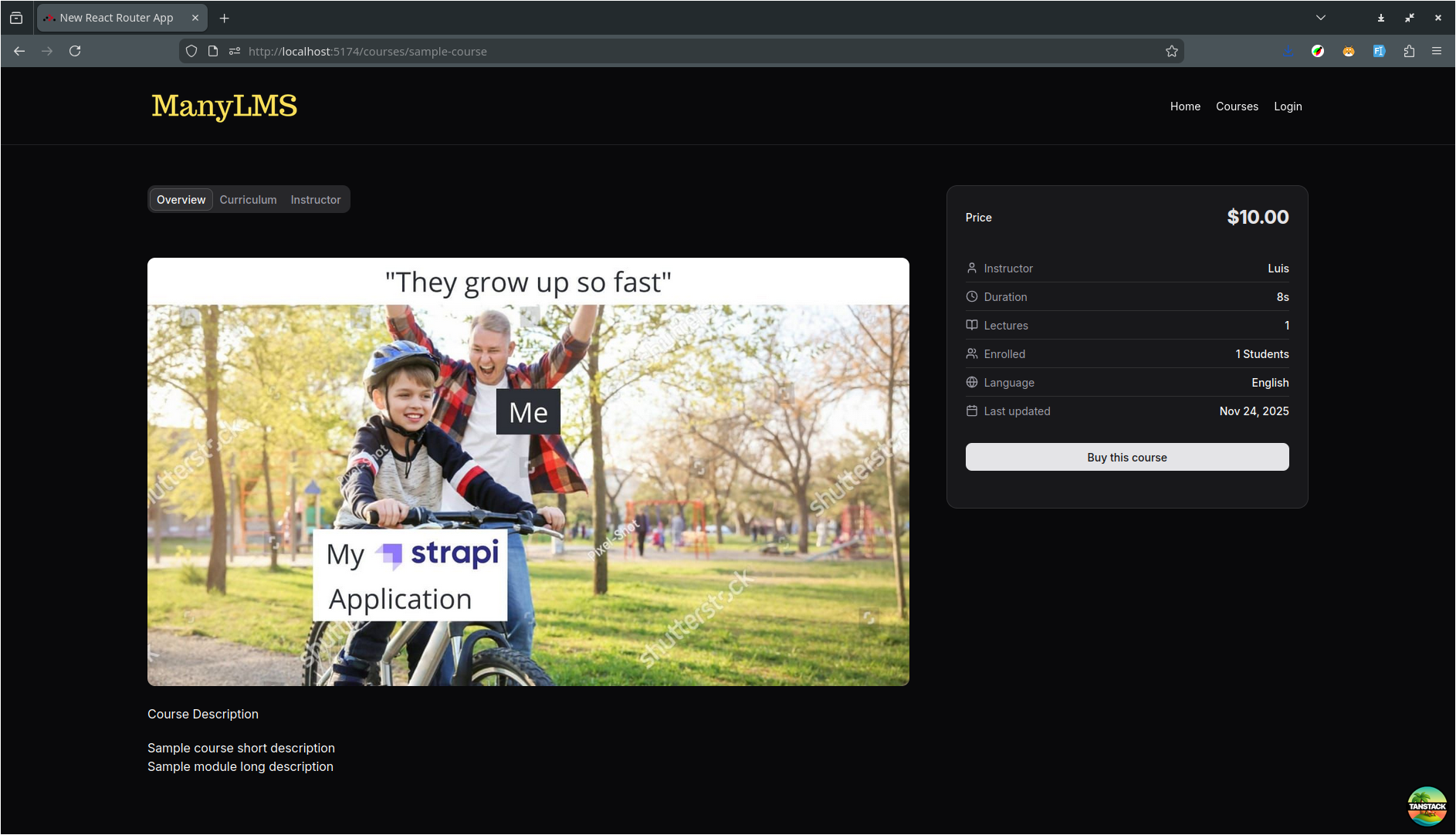
ManyLMS: E-Learning platform
ManyLMS is an e-learning platform built on top of Strapi, React Router …

ETMday: Entrepreneurship Event Website
ETMday (Emprende tu Mente) is a large-scale entrepreneurship event …
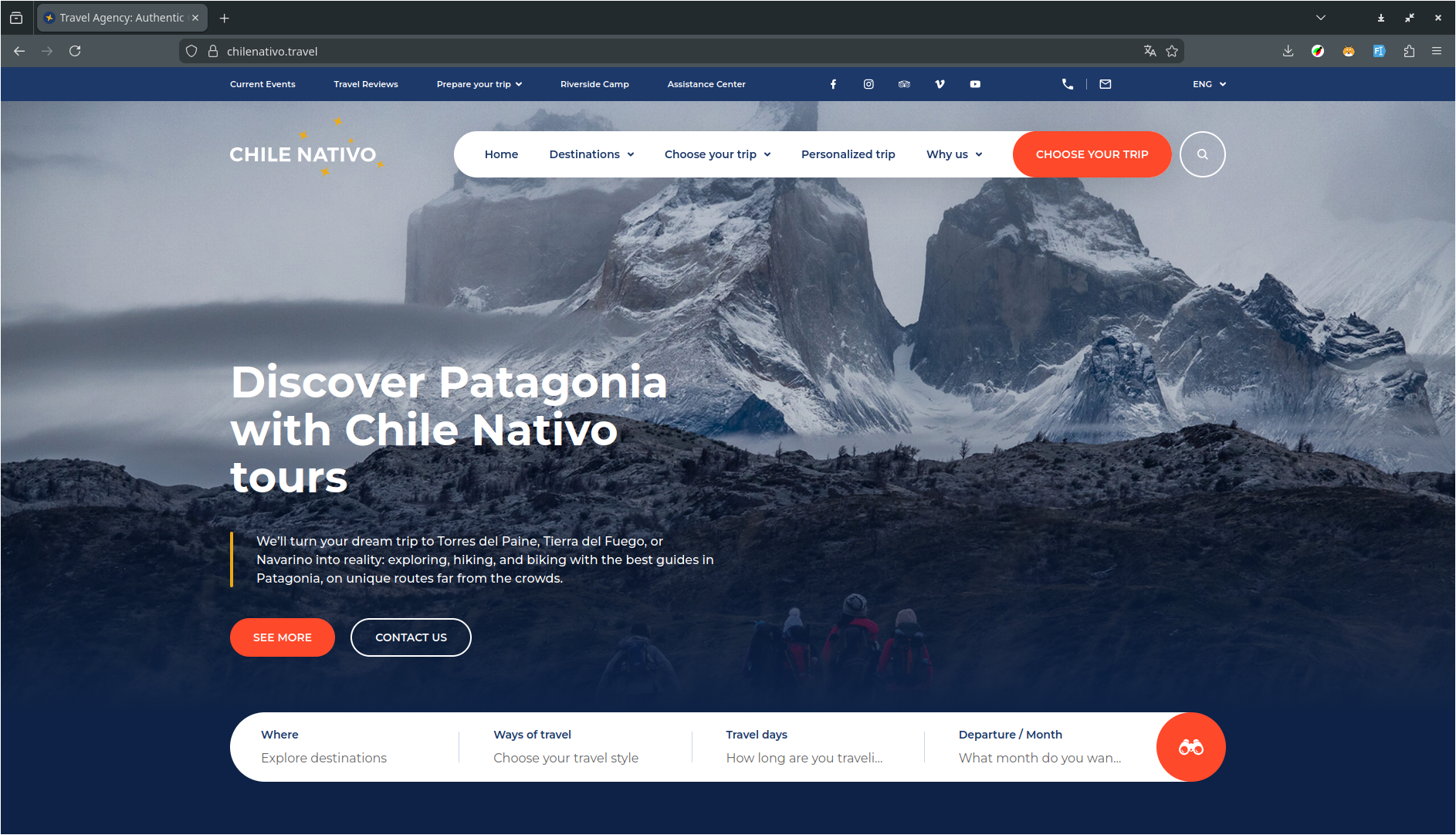
Chile Nativo: Patagonia Travel Website
Chile Nativo is a travel tour website for Patagonia experiences, built …